How-to
How to build a Google Slides waterfall chart with ChartKit
A waterfall chart is useful when the story is about movement from one total to another. If the point is “what changed?” rather than just “how large is each segment?”, a waterfall chart is often the right visual.
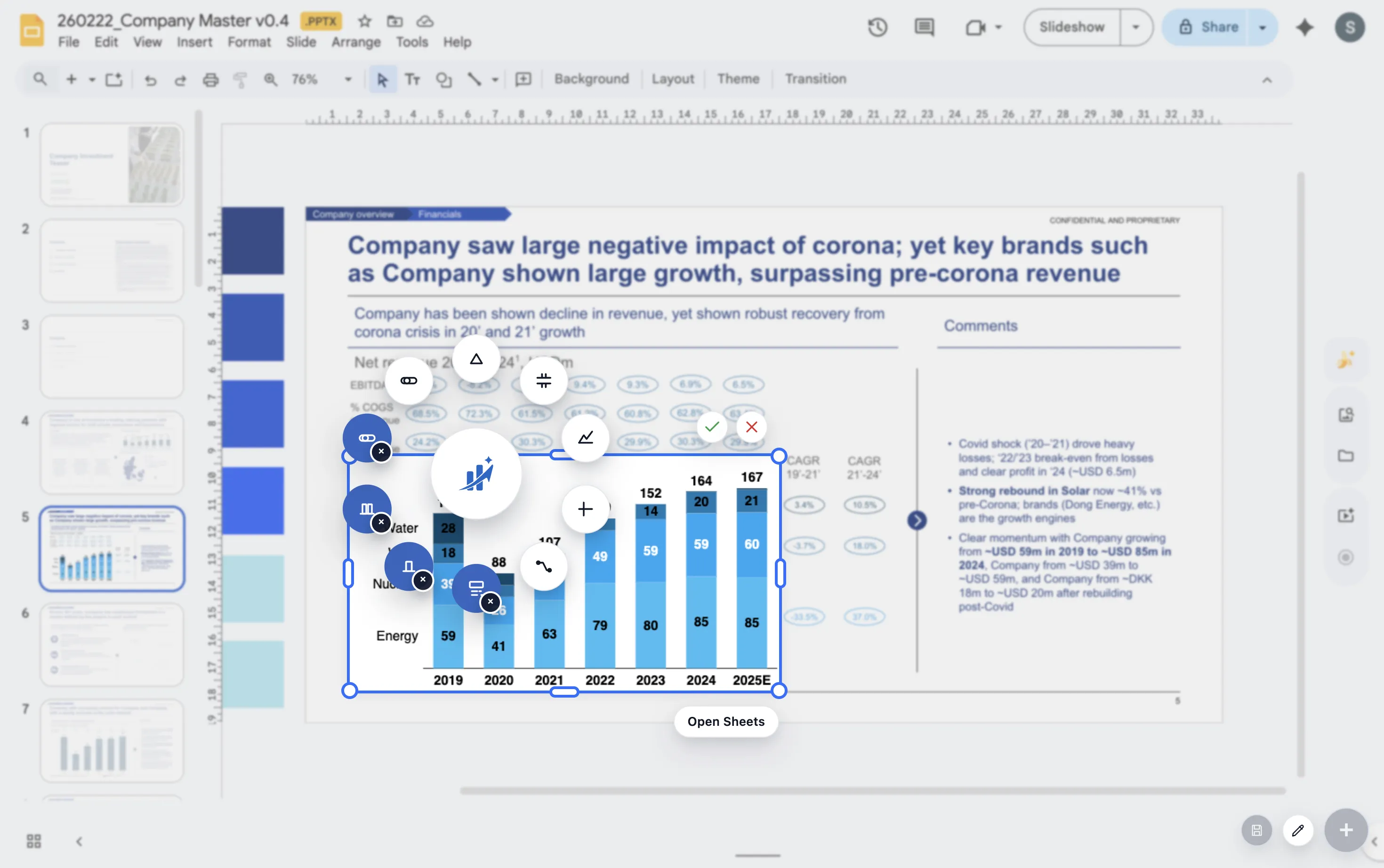
When to use it
- Revenue bridge from prior period to current period
- Profit walk from gross margin to EBITDA
- Headcount movement across hires, exits, and transfers
Build steps
1. Start with the opening total
Anchor the chart with the baseline value so the audience knows the starting point immediately.
2. Add each driver in sequence
Order the positive and negative contributors in the sequence that best explains the movement.
3. Label the big moments
Use labels and deltas where they improve readability, not on every minor movement.
4. End on the closing total
Make the destination explicit so the audience can connect the bridge back to the headline number.
Checklist
Start and end totals
Make the opening and closing totals unmistakable so the audience can anchor the bridge instantly.
Ordered drivers
Sequence the positive and negative drivers in the order that best tells the story, not just the order they happened to appear in the spreadsheet.
Selective labels
Label the major movements and totals. Avoid forcing every minor change to compete for attention on the slide.
What makes it presentation-ready
The chart should answer the question without forcing the audience to decode it. Keep the category names plain, emphasize the largest changes, and use annotations only where they sharpen the takeaway.
FAQ
Common waterfall-chart questions.
When should I use a waterfall chart instead of a stacked bar?
Use a waterfall when the narrative is about change from one total to another. Use a stacked bar when the narrative is about composition and total size at the same time.
What usually makes a waterfall chart hard to read?
Too many tiny drivers, inconsistent ordering, and over-labeling are the biggest problems. The chart works best when only the important movements get visual emphasis.
What should I read next?
Read the stacked bar guide if you are choosing between chart types, or the product walkthrough if you want to see the broader ChartKit workflow in practice.