Storytelling
How to annotate charts in Google Slides
A chart annotation is useful when the audience needs context that the chart does not show on its own.
Quick answer
Annotate only the moments that change the interpretation. Use short notes for events, drivers, thresholds, or decisions. Avoid labeling every value and calling it annotation.
Annotation purpose
Good annotations explain why the audience should care
A label tells the audience what a number is. An annotation explains why the number matters. That difference is important. If the note only repeats the value, it adds clutter.
Use annotations for launch dates, pricing changes, one-time events, plan thresholds, inflection points, or drivers that are not obvious from the chart shape.
Use cases
Three moments are worth annotating
Inflection points
Mark where the trend changes direction and explain what caused the shift.
Business events
Call out launches, pricing changes, seasonality, or one-time issues that affect interpretation.
Decision thresholds
Show when the metric crosses a target, limit, or level that triggers action.
Lead magnet
Annotation rules checklist
Use this checklist before adding notes to a chart.
- Does the annotation explain something the chart cannot show alone?
- Is the note shorter than one full sentence when possible?
- Does the annotation point to a specific value, period, or driver?
- Would the chart still be readable if viewed on a smaller screen?
Add context without clutter
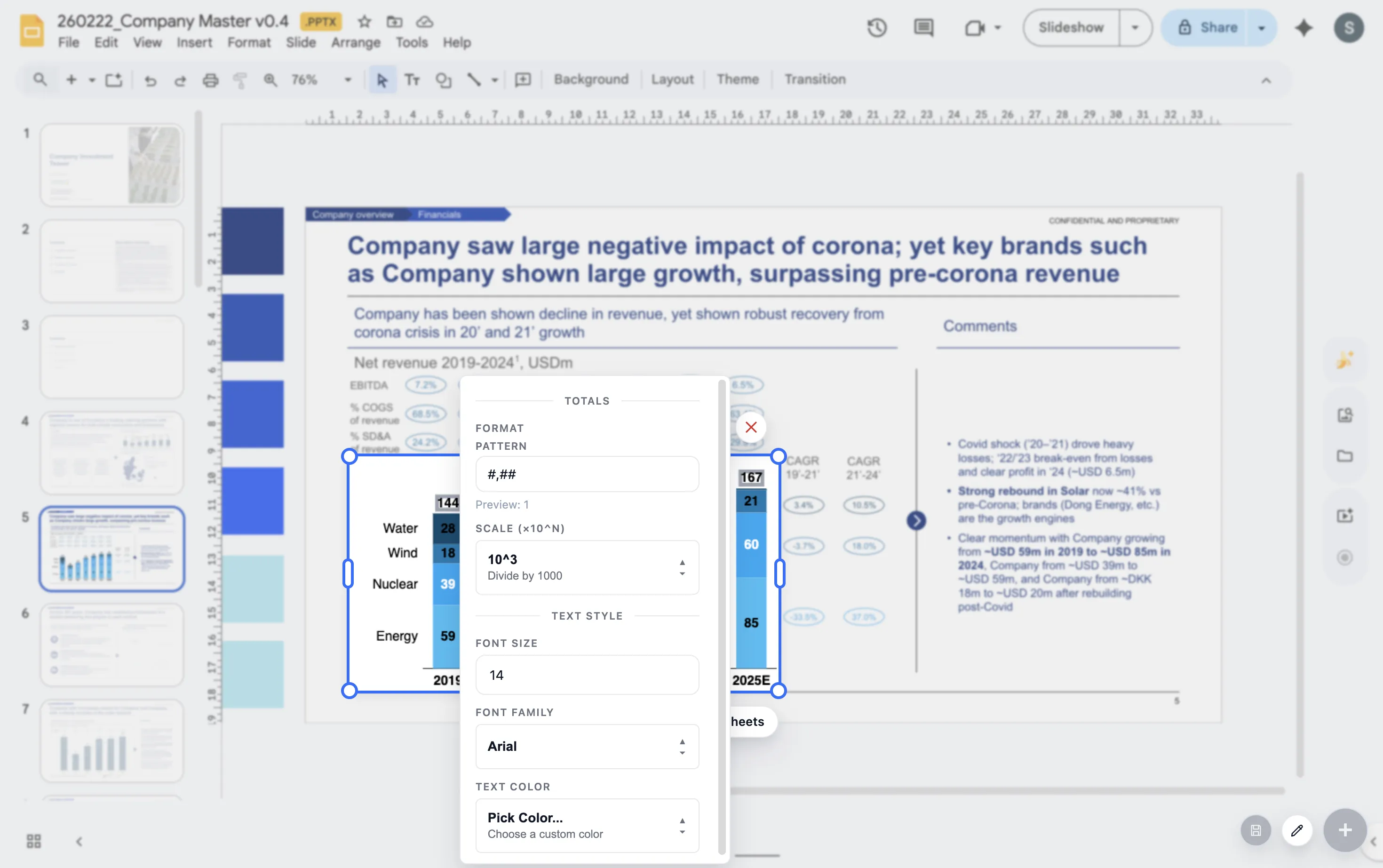
ChartKit helps teams use labels, deltas, and annotations while building charts inside Google Workspace.
Where ChartKit fits
Use annotations as part of the chart workflow
ChartKit includes storytelling controls such as labels, deltas, and annotations for Google Workspace charts. That helps teams make the explanation part of the chart rather than a separate text box afterthought.
The best annotation is short enough to read quickly and specific enough to remove doubt.
FAQ
Common questions about chart annotations
How many annotations should a chart have?
Usually one to three. If every point needs a note, the chart may be trying to carry too much information.
Should annotations replace slide speaker notes?
No. Annotations should explain the visual. Speaker notes can hold extra detail that does not belong on the slide.
What is the difference between a label and an annotation?
A label identifies a value. An annotation explains context, cause, or meaning.