Workflow
Alternatives to spreadsheet chart exports for Google Slides
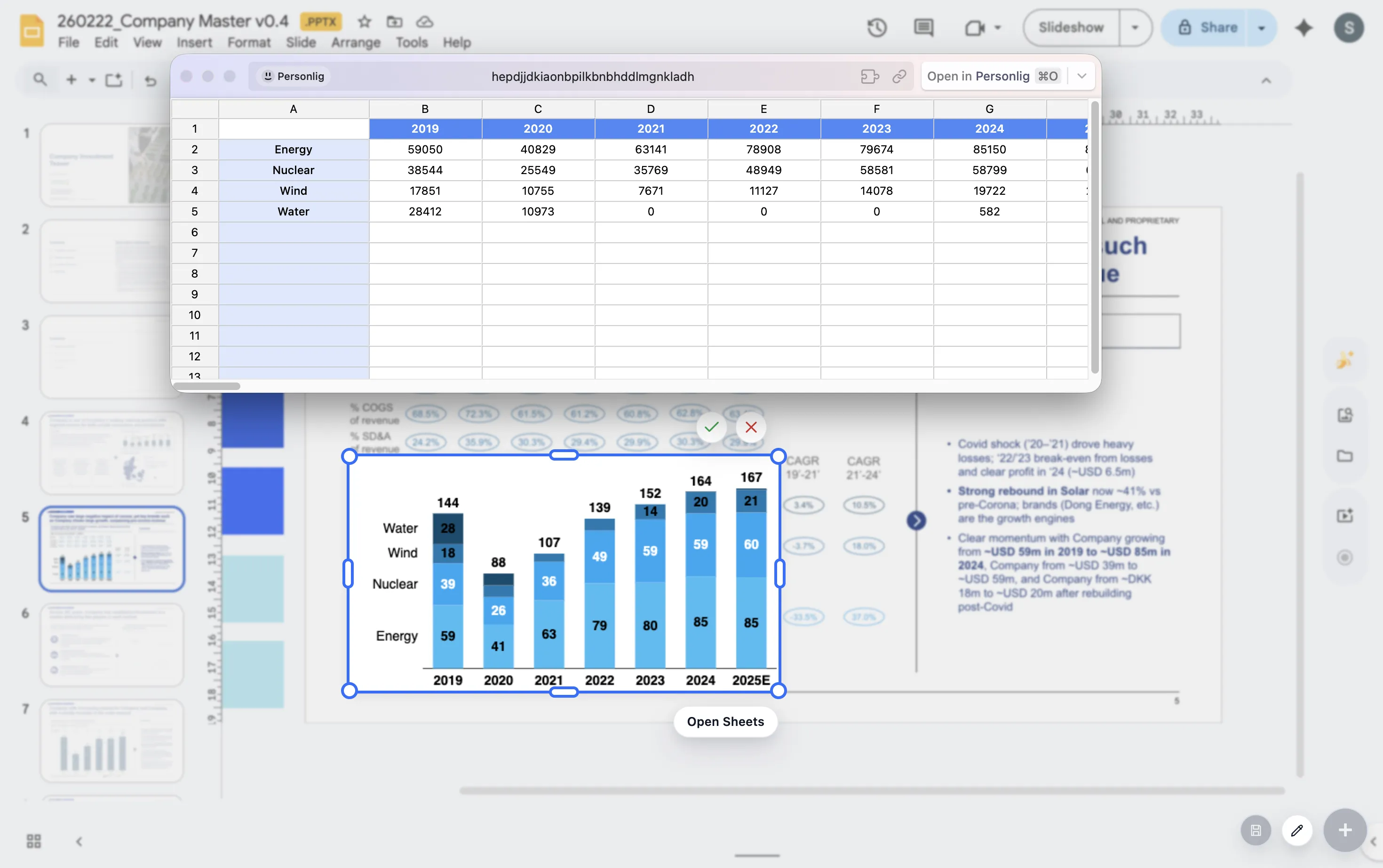
Spreadsheet chart exports are common because they are easy to start. The problem appears later, when the deck needs repeated edits and the chart no longer behaves like a chart.
Quick answer
The main alternatives are linked charts, manually rebuilt slide charts, and dedicated presentation chart workflows. The best choice depends on how often the chart changes and how much presentation polish it needs.
Workflow choice
The right alternative depends on how the chart will be used
For a one-off internal update, an exported chart may be enough. For a board deck, client deck, or monthly report, the chart needs to be easier to revisit and polish.
The more often a chart changes, the more costly a static export becomes. That cost shows up as rework, inconsistent formatting, and slower review cycles.
Alternatives
Three alternatives to static chart exports
Linked charts
Useful when source data changes often, but they can still require slide-level polish.
Manual slide charts
Flexible for one chart, but slow when the team needs many recurring charts.
Presentation chart workflow
Best when chart polish, editability, and repeat updates matter together.
Lead magnet
Export-loop diagnostic
Use this diagnostic to decide whether spreadsheet export is still the right workflow.
- How many times will this chart be updated?
- How often do reviewers ask for label, color, or spacing changes?
- Does the chart need to match other slides in the deck?
- Would an editable chart save time across the next reporting cycle?
Move recurring charts out of the export loop
ChartKit helps teams build presentation-ready charts inside Google Workspace.
Where ChartKit fits
Use a presentation chart workflow for recurring decks
ChartKit is a practical alternative when the chart belongs inside the Google Workspace presentation workflow. It focuses on chart types and controls that teams need for management-ready decks.
Use it when the chart needs to be edited as part of the slide, not treated as a finished picture from another tool.
FAQ
Common questions about spreadsheet chart exports
When is exporting a spreadsheet chart fine?
It can be fine for quick one-off work where the chart will not be edited or reused.
Why do exported charts cause problems in presentations?
They often become static images, which makes small edits and recurring updates slower than they need to be.
What should I use for recurring charts?
Use a workflow that keeps chart edits, labels, and presentation polish close to the deck.