Finance charts
Waterfall chart examples for finance presentations
Waterfall charts are common in finance presentations because they explain movement. They are useful when a single total change is not enough.
Quick answer
Use waterfall charts for revenue bridges, profit bridges, cost walks, cash movement, and headcount changes. Start with a clear opening total, add the drivers in a logical order, and end with the closing total.
Finance examples
Waterfalls help when the audience asks why
A finance presentation often needs to explain the drivers behind a result. Revenue grew, margin fell, costs increased, or cash changed. A waterfall turns that movement into a sequence the audience can follow.
The important choice is driver selection. A finance waterfall should include the drivers that change the interpretation, not every small accounting line.
Examples
Four finance waterfall examples to reuse
Revenue bridge
Show how new business, expansion, churn, and pricing move revenue.
Profit bridge
Show how price, volume, mix, and costs move gross margin or EBITDA.
Cost walk
Show how hiring, inflation, vendor spend, or savings programs change cost.
Lead magnet
Finance waterfall example structures
Use these structures when deciding how to set up a finance waterfall chart.
- Revenue bridge from prior period to current period.
- Gross margin bridge from plan to actual.
- Operating expense walk from baseline to forecast.
- Headcount movement from opening headcount to closing headcount.
Turn finance movement into a clear bridge
ChartKit helps finance teams create waterfall charts directly inside Google Workspace.
Where ChartKit fits
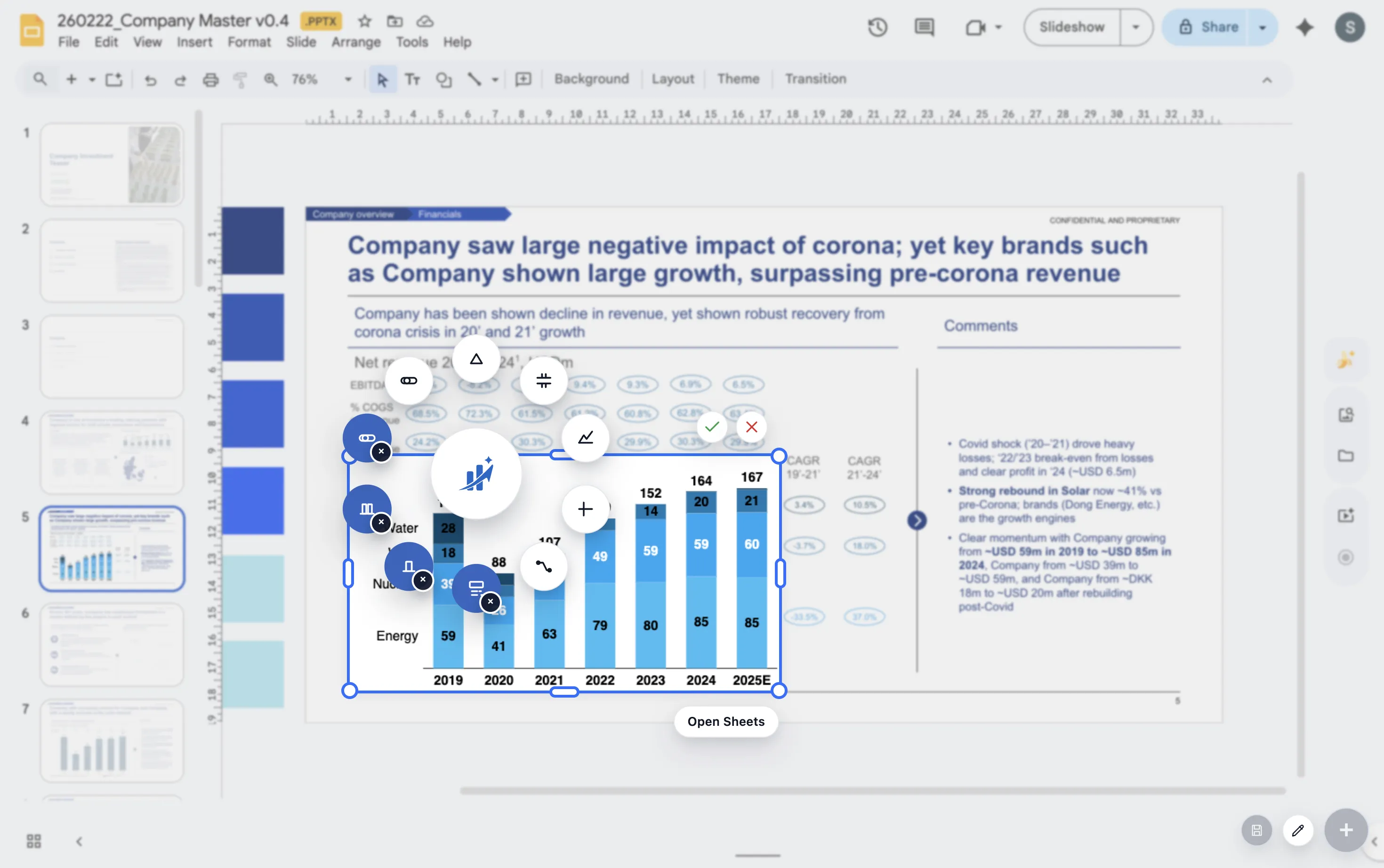
Build finance waterfalls inside Google Slides
ChartKit supports waterfall charts for Google Workspace teams. This is useful for finance teams that prepare recurring management reports, board decks, and operating reviews in Google Slides.
The chart can be refined with labels, deltas, and annotations so the finance story reads clearly on the slide.
FAQ
Common questions about finance waterfall charts
What is the best finance use case for a waterfall chart?
The best use case is any discussion where the audience needs to understand drivers between two totals.
Should every driver be shown separately?
No. Group small drivers when they do not change the story. The chart should clarify, not list everything.
Can waterfall charts work in board decks?
Yes. They are useful in board decks when the board needs a concise explanation of movement.