Finance charts
Profit bridge chart in Google Slides
A profit bridge chart is useful when a finance slide needs to explain how operating drivers moved profit from one point to another.
Quick answer
Build a profit bridge by starting with the opening profit measure, adding positive drivers, subtracting negative drivers, and ending with the closing profit measure. Use labels for the few drivers that explain most of the movement.
Finance story
Profit movement usually needs driver detail
Profit can move because of volume, price, mix, cost inflation, hiring, one-time items, or operating leverage. A single variance number is rarely enough for a management discussion.
A profit bridge helps because it shows the movement in a sequence. The audience can see which levers helped and which ones created pressure.
Bridge setup
Three choices make a profit bridge clearer
Choose the measure
Use gross profit, contribution margin, EBITDA, or another measure that matches the discussion.
Group small drivers
Too many small items make the bridge hard to read. Group them when they do not change the story.
Separate controllable drivers
Show which movements came from operating decisions and which came from external factors.
Lead magnet
Profit bridge example structure
Use this structure for a gross margin or EBITDA bridge in a management deck.
- Start with prior period profit or plan profit.
- Add positive volume, price, mix, or productivity drivers.
- Subtract cost, churn, discounting, hiring, or one-time pressure.
- End with current period profit and state the main driver in the title.
Make profit movement easier to explain
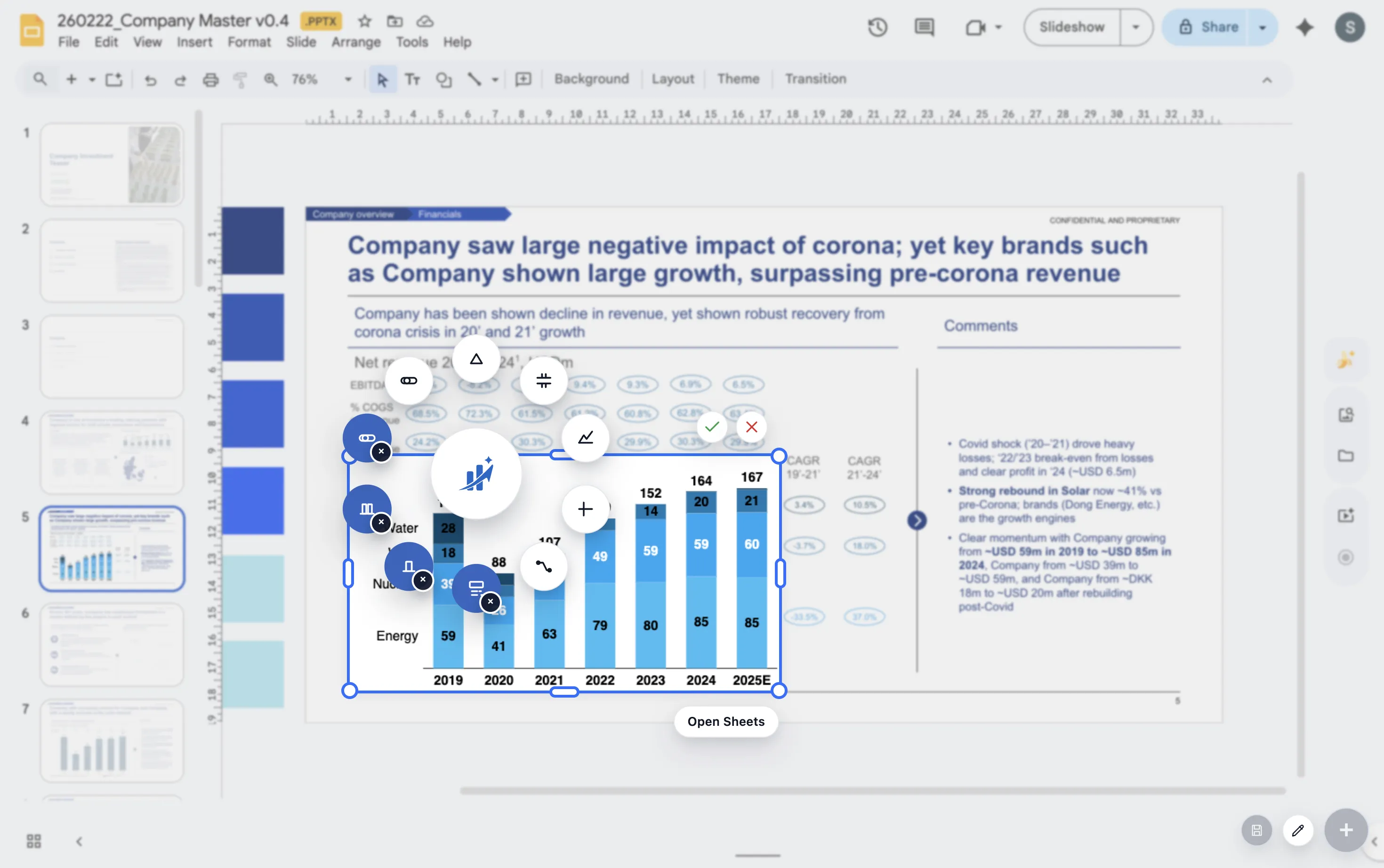
ChartKit helps teams build waterfall charts for finance presentations directly inside Google Workspace.
Where ChartKit fits
Create finance bridge charts inside Google Workspace
ChartKit supports waterfall charts for teams building finance presentations in Google Slides. The workflow is useful for recurring profit bridges because the chart can be revisited when the numbers change.
Use the chart to support a plain discussion of drivers, not to show every line item from the income statement.
FAQ
Common questions about profit bridge charts
What profit measure should I use?
Use the measure that the audience is discussing. Gross margin, contribution margin, EBITDA, and operating profit can all work.
How many drivers should a profit bridge include?
Include the drivers needed to explain the movement. If a driver does not affect the interpretation, group it or leave it out.
Can a profit bridge show plan versus actual?
Yes. A bridge can explain the movement from plan profit to actual profit, or from prior period profit to current period profit.